Dev tool
Screenery
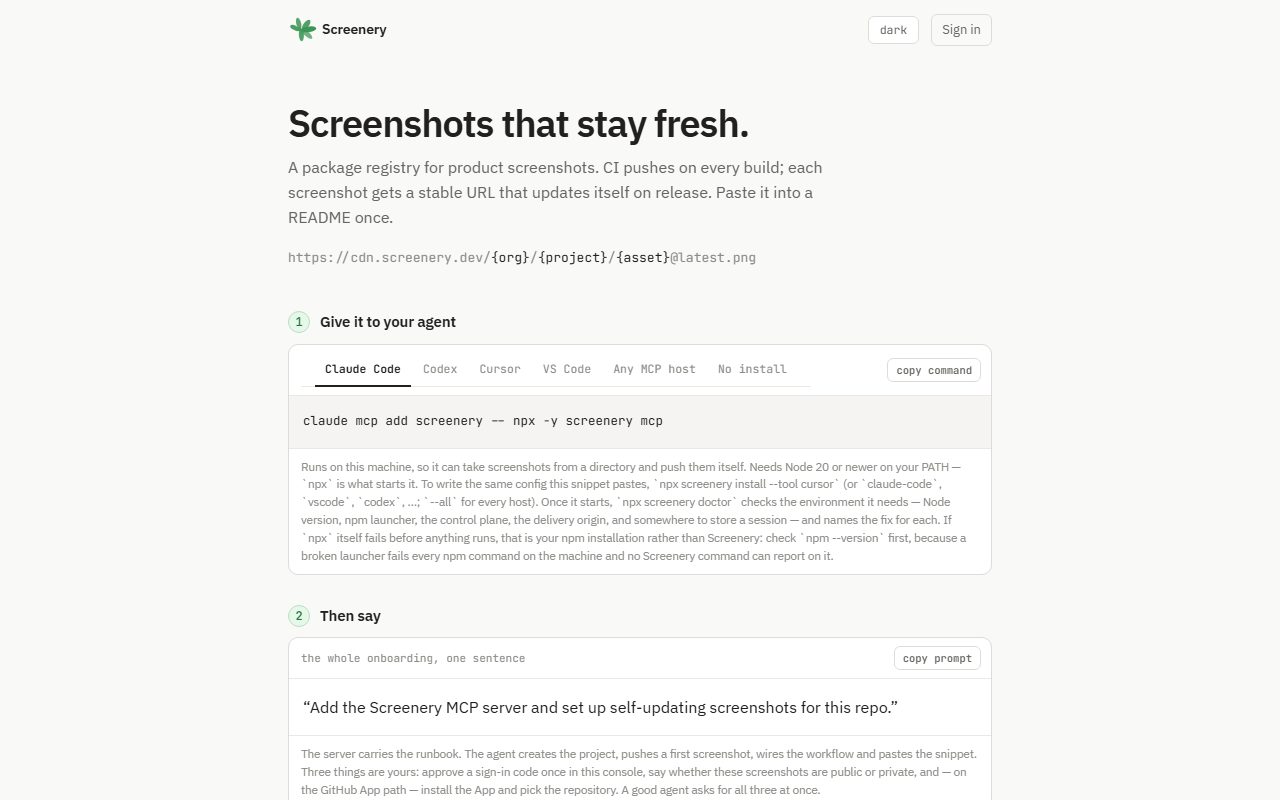
A package registry for product screenshots. CI pushes them on every build, and each one gets a URL that updates itself on release. The live screenshots on this page come from it.
What it is
CI pushes screenshots on every build, and each one gets a public URL like cdn.screenery.dev/org/project/asset@latest.png. Paste it into a README or a docs page once. When you ship a release, the image behind it changes.
On GitHub Actions there's no secret to store: the push step trades the runner's OIDC token for a five-minute credential. Setup can run through an MCP server, so your agent can wire up a repo from one sentence. Every screenshot in the tours on this site comes from it.
How it fits
Docs, store listings, product pages, and Merge & Tell posts all wanted pictures of the app. Mine were frozen PNGs from whenever someone last remembered. Screenery makes CI push them and gives each one a URL that updates on release. Spec to published CLI in under two weeks. It's one part of the stack, where my projects run each other.
What Screenery does for the others
- Screenery → Pheidi Hosts Pheidi's docs screenshots, Play Store shots, and listing video. A test fails the build if the pictures and the pages drift apart. Read the story →
- Screenery → Merge & Tell Reshoots every Merge & Tell screen on each merge. Public pages use Screenery shots by name, as a rule.
- Screenery → Auspex Fatalis Posts a screenshot gallery on every Auspex Fatalis pull request, and serves the help-article images.
- Screenery → This site Every live screenshot on this site. Nobody here exports a PNG by hand.
What the others do for Screenery
- Pheidi → Screenery The worked example in Screenery's own CI-setup tests. Read the story →
- Merge & Tell → Screenery · Next up Screenery's merges get drafted posts too.
A look around